Free Merge MP3 › Combine voice memos into one MP3
Combine voice memos into one MP3
One interview, twelve phone recordings. Put them in order on your PC and save a single file, without uploading anything.
Download Free Merge MP3Free · Windows 11 & 10 · No watermark
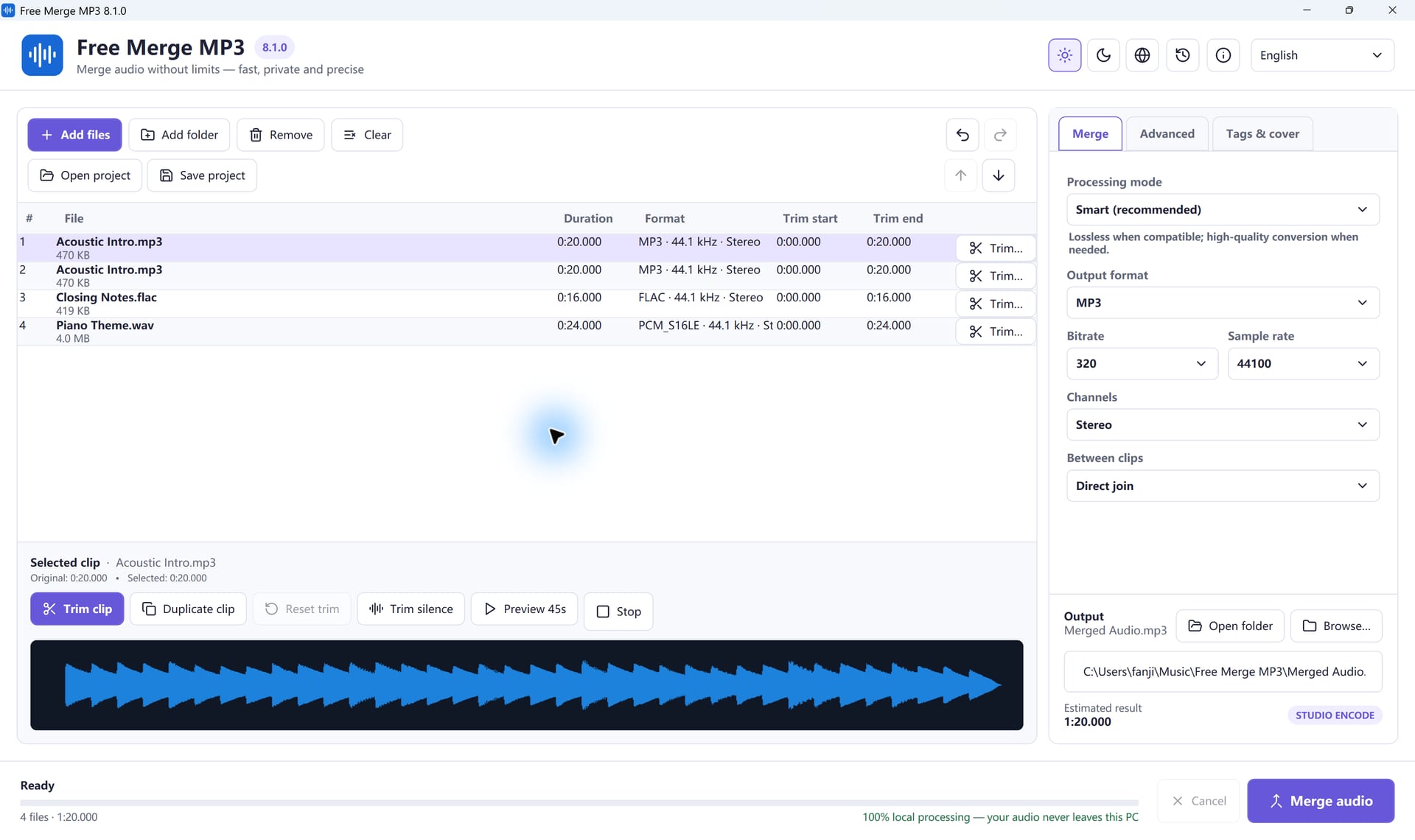
Steps
- Copy, don’t move. Transfer the memos to a folder on the PC and keep the originals as a backup.
- Add them. M4A, AAC, WAV and MP3 all open directly, so there is no need to convert each memo first.
- Fix the order. Names like
2026-08-14-interview-01.m4asort well. Drag any row that is out of place. - Trim. Remove the “is it recording?” start and the long pause at the end. To drop a mistake in the middle, duplicate the clip and trim each copy.
- Pick the output. Leave Smart mode on and choose MP3. For speech, 64 to 128 kbps is usually enough; a higher bitrate cannot add detail a phone did not record.
- Merge and listen to every join.
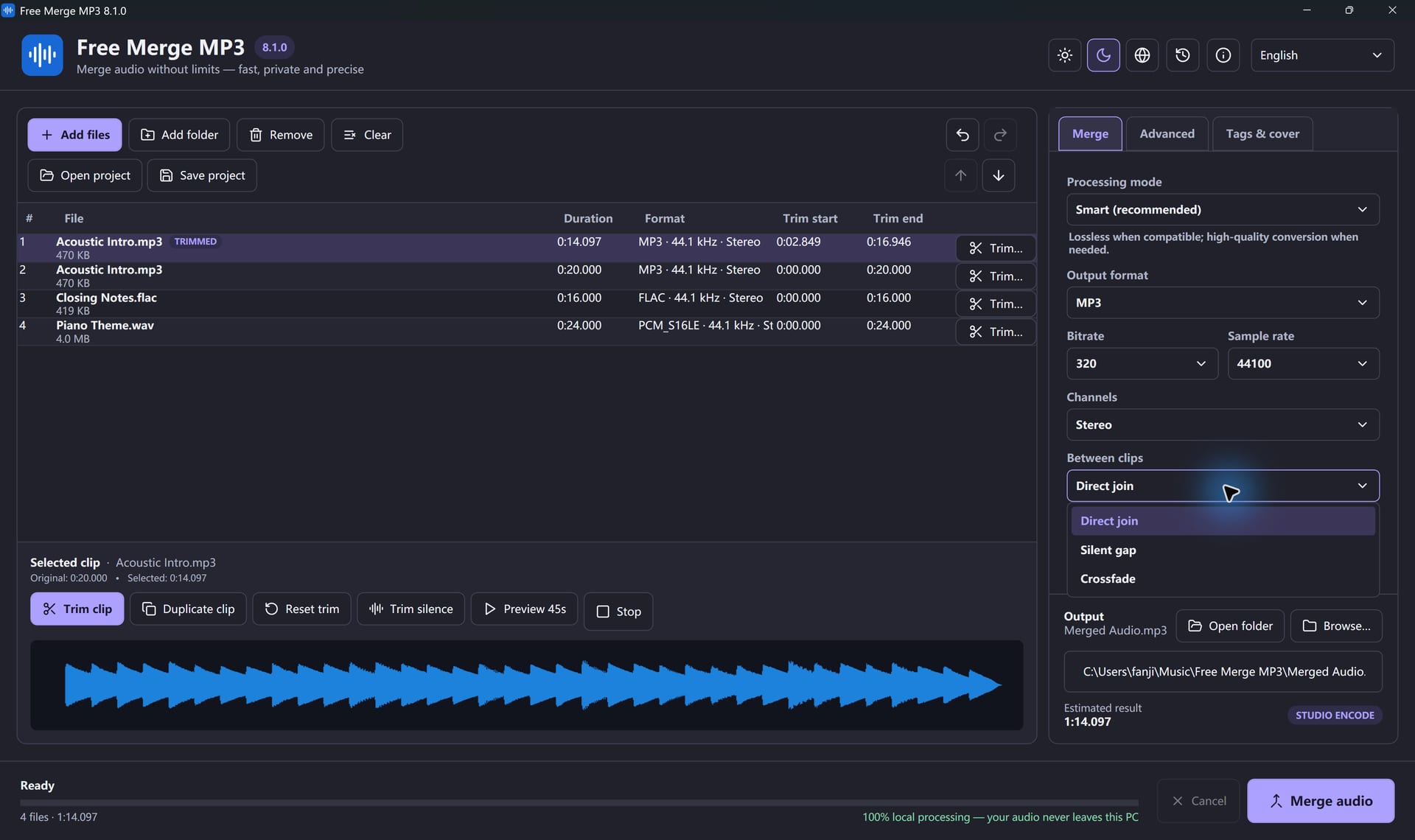
Joins between memos
Use a direct join when one memo continues the last, or a short gap before a new question. Avoid crossfades on speech; two voices at once are hard to follow.
One memo is much quieter
Turn on loudness normalization under Advanced. It evens out levels between clean recordings. It cannot fix clipping or heavy background noise.
Privacy
Everything is processed on your PC. There is no account and no upload. Before sharing, check the tags too: keep names or confidential details out of the title and comment fields.
Long interviews
Turn on the CUE chapter sheet to get a list of where each memo starts in the merged file, after trims and gaps.
Join Your Files In A Few Clicks
Free Merge MP3 is free, offline and made for Windows.
Download Free Merge MP3Windows 11 & 10 · Free forever · No watermark