Free Merge MP3 › Merge audiobook chapters into one MP3
Merge audiobook chapters into one MP3
A folder of 40 short tracks becomes one file, in the right order, with the cover and a chapter list.
Download Free Merge MP3Free · Windows 11 & 10 · No watermark
Steps
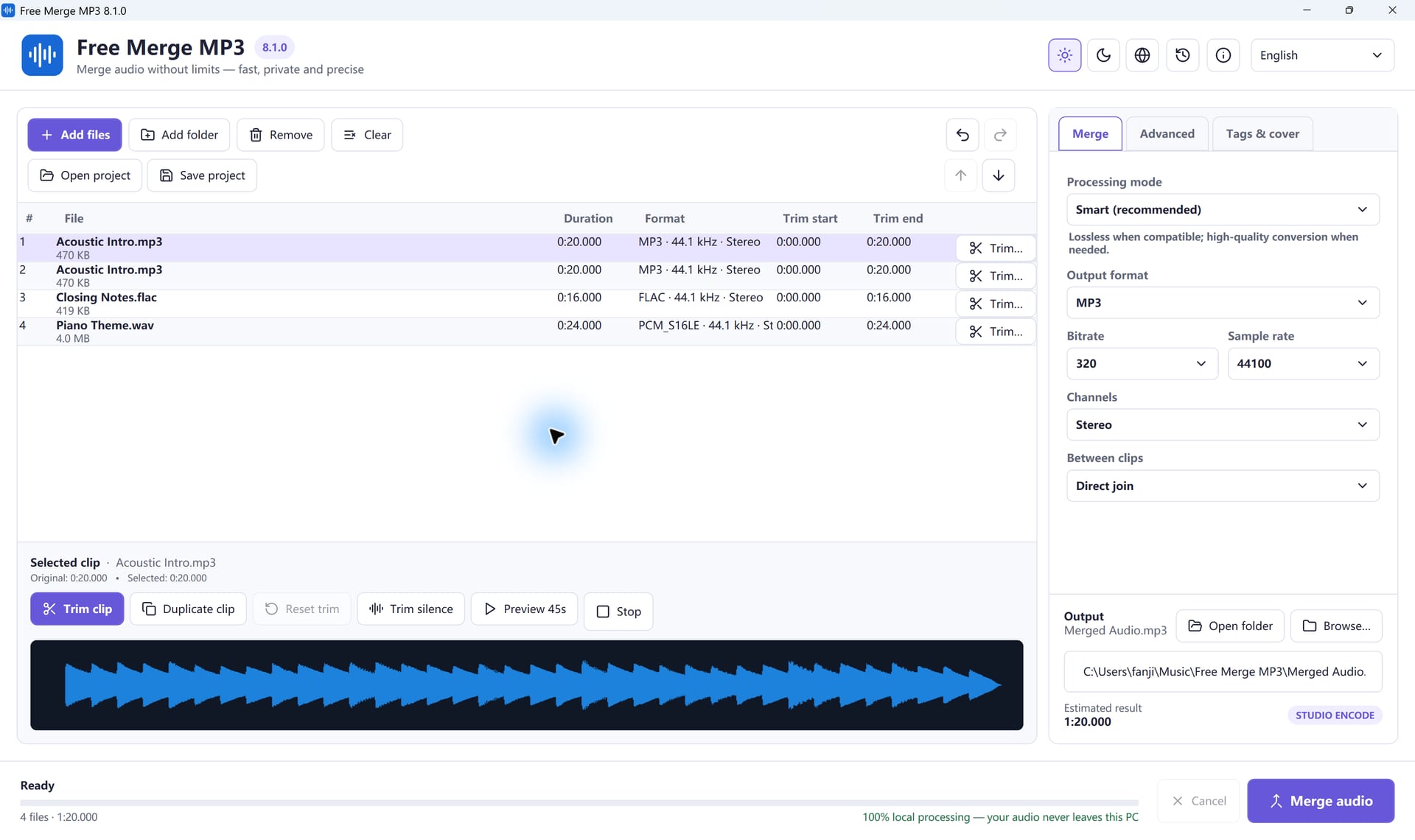
- Add the chapter files or the whole folder.
- Check the order. Windows sorts “Chapter 10” before “Chapter 2”; drag rows to fix it, or rename with leading zeros (01, 02 … 10).
- Leave Smart mode on.
- Choose MP3 and match the original settings if you want to avoid re-encoding.
- In Tags & cover, add the book title, author or narrator, series and cover.
- Turn on Create a CUE chapter sheet.
- Choose the output file and click Merge audio.
Will quality drop?
If every chapter already has the same format, sample rate, channels and bitrate, and you do not trim or add effects, Smart mode copies the audio without encoding it again. Otherwise it encodes once. For spoken word, 96 to 128 kbps mono or 128 to 192 kbps stereo is usually right; 320 kbps cannot restore a low-bitrate source.
Gaps, not crossfades
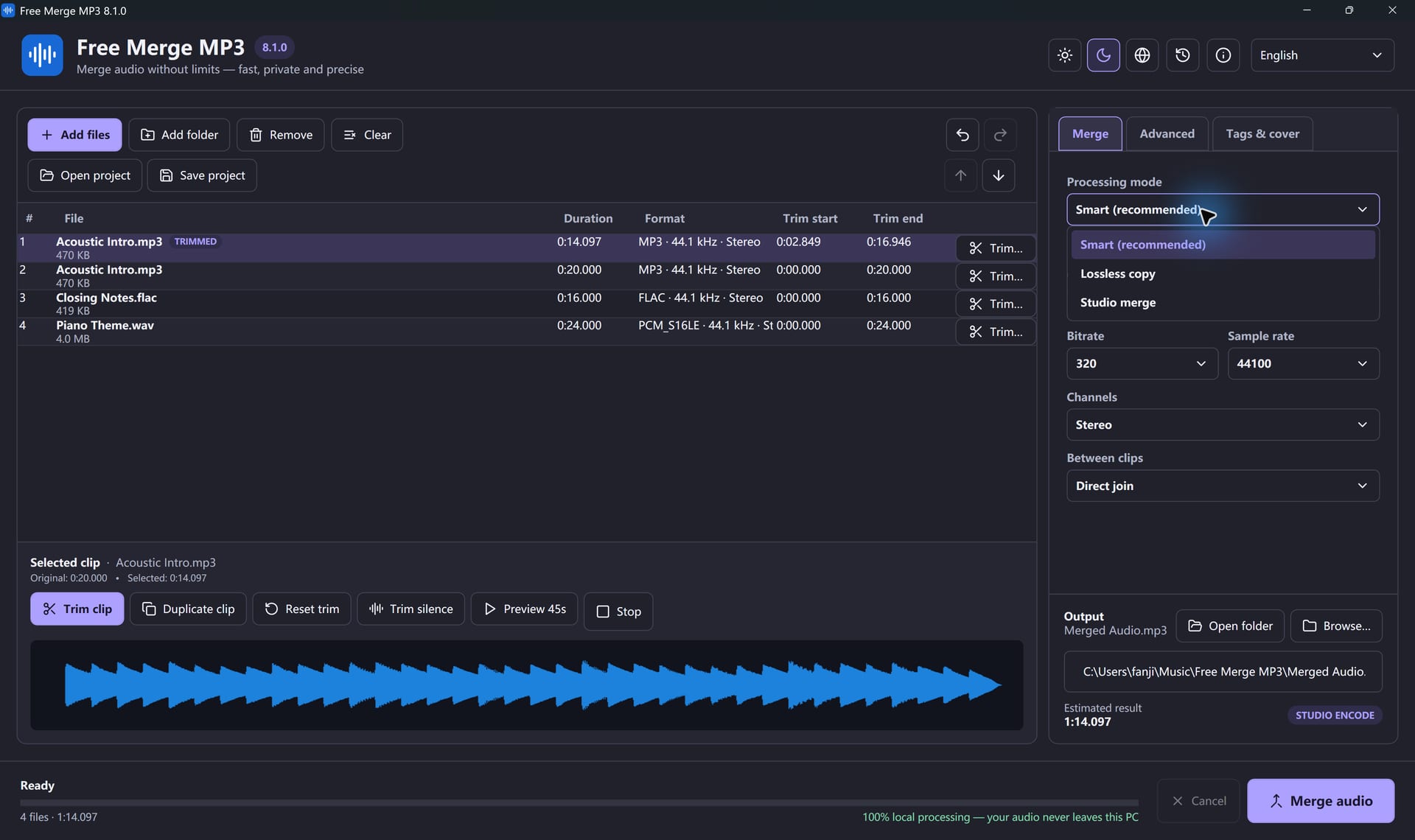
A crossfade overlaps narration. Use a direct join, or a gap of about 0.25 to 1 second between chapters. If chapters were recorded at different levels, turn on loudness normalization.
Chapter markers
The CUE sheet lists where each chapter begins, adjusted for trims and gaps. It is not the same as built-in chapters in every audiobook app, but compatible players can use it and it is a handy index.
Common questions
How many chapters? Up to 200 clips per project. Split larger books into parts.
Are my files changed? No. The app writes a new file and will not overwrite a source.
Upload needed? No. It all runs on your PC.
Join Your Files In A Few Clicks
Free Merge MP3 is free, offline and made for Windows.
Download Free Merge MP3Windows 11 & 10 · Free forever · No watermark